
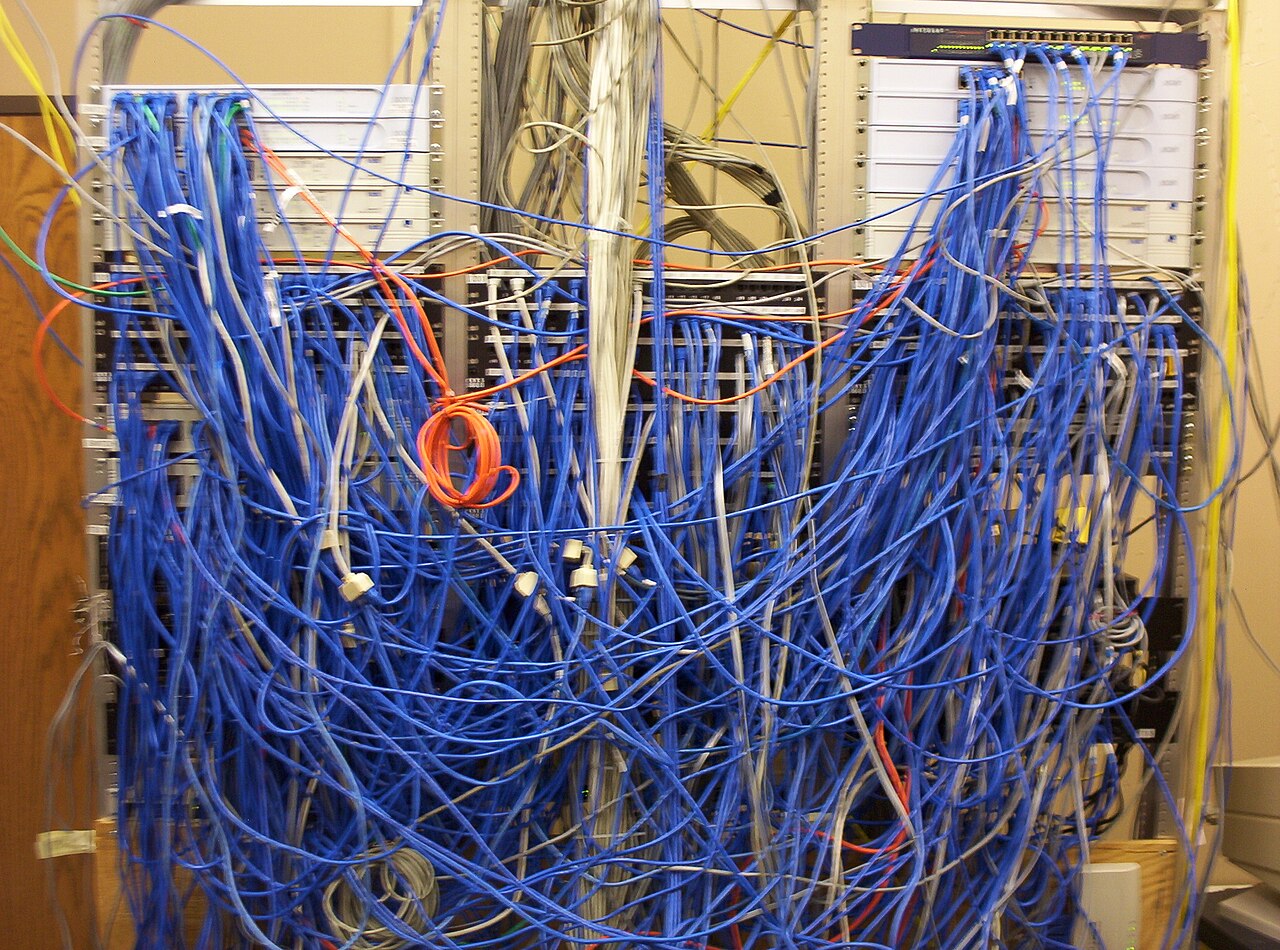
Cover photo: "Cisco Catalyst 2950 network switches in situ" by Jemimus, CC BY 2.0 (via Wikimedia Commons)
What to Look for in a Managed AI Server Host: Datacenter, Bandwidth, IPv4, Backups
Spec sheets lie in a specific way: every host advertises NVMe, unmetered bandwidth, and 24/7 support, and none of those words mean the same thing across providers. Choosing a home for an AI server is really choosing a set of infrastructure policies you will live under. This is the checklist I run before handing a host my root access, organized around the four things that actually bite: the datacenter, the bandwidth terms, IPv4, and backups.
Read the tier claim like an auditor
The Uptime Institute tiers describe power and cooling architecture, not promises. Tier I is basic: one path for power and cooling, expected uptime around 99.671 percent, which is roughly 28.8 hours down per year. Tier II adds redundant capacity components. Tier III, concurrently maintainable, means any power or cooling component can be removed for service without dropping your box. Tier IV is fault tolerant with redundancy for every component.
For production AI hosting, Tier III is the sensible floor, and the reason matters: concurrently maintainable means your host's routine maintenance cannot become your outage. When a provider says Tier III, ask whether it is a certified facility or a design aspiration, and which utility feeds and generator ratings stand behind it. A gas turbine or generator plant rated for continuous data-center duty, not a weekend-run backup, is the difference on paper that shows up during a grid event.
Bandwidth: metered, unmetered, and the port speed ceiling
Unmetered does not mean infinite. It means the traffic counter is replaced by a port-speed cap: Leaseweb, for example, lists unmetered plans at 100 Mbps, 1, 10, or 25 Gbps, and some hosts bill metered dedicated ports where the same 1 Gbps connection costs less below a monthly terabyte ceiling and more above it. Dedicated servers with unmetered 1 Gbps ports are the common market shape, while VPS ports are routinely software-limited lower, often 100 Mbps shared, because the node uplink is split among tenants.
Size it against your actual work. A model repository that pulls tens of gigabytes daily eats a 100 Mbps cap during business hours. Also check what is counted: some providers meter egress only, others count ingress plus egress on dedicated servers, which quietly changes the price of your backups and dataset ingestion.
IPv4 is the scarce resource, act like you know it
Public IPv4 blocks trade openly now. Recent marketplace listings show ARIN-region /24 blocks selling around $32 per IP and leasing for dollars per IP per month, which is why a dedicated IPv4 is a real cost line, not a courtesy. A host that throws in free IPv4 with every plan owns legacy allocations, and that is fine, but ask whether an additional IP costs extra, and whether IPv6 comes standard as well.
The practical trap is IPv6-only infrastructure behind a NAT. If your agent calls third-party webhooks, or clients whitelist your address, you want a genuine dedicated IPv4, ideally with clean reputation history, since abuse-blacklisted ranges follow you. Ask for the reverse DNS policy too. Outbound email and API reputation both lean on it.
Backups, DDoS, and what managed actually means
Ask four questions of any backup policy: frequency, retention, location, and whether restores are tested. Nightly snapshots on the same storage controller are not backups; an offsite copy with a 7 to 30 day retention is. On a database-backed automation stack, confirm you can restore application state and not just raw disk. For DDoS, find out whether mitigation lives at the network edge upstream of your server or nowhere at all, because per-server filtering cannot absorb volumetric attacks.
Managed is a support contract, and you should price it like one. What is the escalation path at 3 AM, does managed include OS patching and firmware, and can you still get root? A host that manages the hardware and leaves the OS to you is the usual sensible split for AI workloads, since kernel tuning, hugepages, and driver versions are workload decisions, not hosting decisions.
Judge a hosting offer as infrastructure policy, not ad copy: Tier III or better facilities, port speed that matches your transfer reality, a real IPv4 with clean reputation, tested offsite backups, and edge DDoS. Then compare on those terms, because two quotes that look identical on a spec table can be five very different hosting experiences. Serious AI work deserves compute whose boring details are already decided, and predictable is a feature you can rent.
Gear we recommend for AI workloads

Lenovo ThinkStation P2 Gen 2 Workstation Desktop | Intel Core Ultra 7 265K Processor | Massive 128GB DDR5 RAM
Top-rated on Amazon
View on Amazon
Samsung SSD 990 PRO 2TB, PCIe 4.0 M.2 2280, Up to 7,450 MB/s | NVMe Internal Solid State Hard Drive for High E
Top-rated on Amazon
View on Amazon
LG 27US500-W Ultrafine Monitor 27-Inch 4K UHD (3840x2160) HDR10 IPS Borderless Design Reader Mode Flicker Safe
Top-rated on Amazon
View on AmazonAs an Amazon Associate we earn from qualifying purchases.