
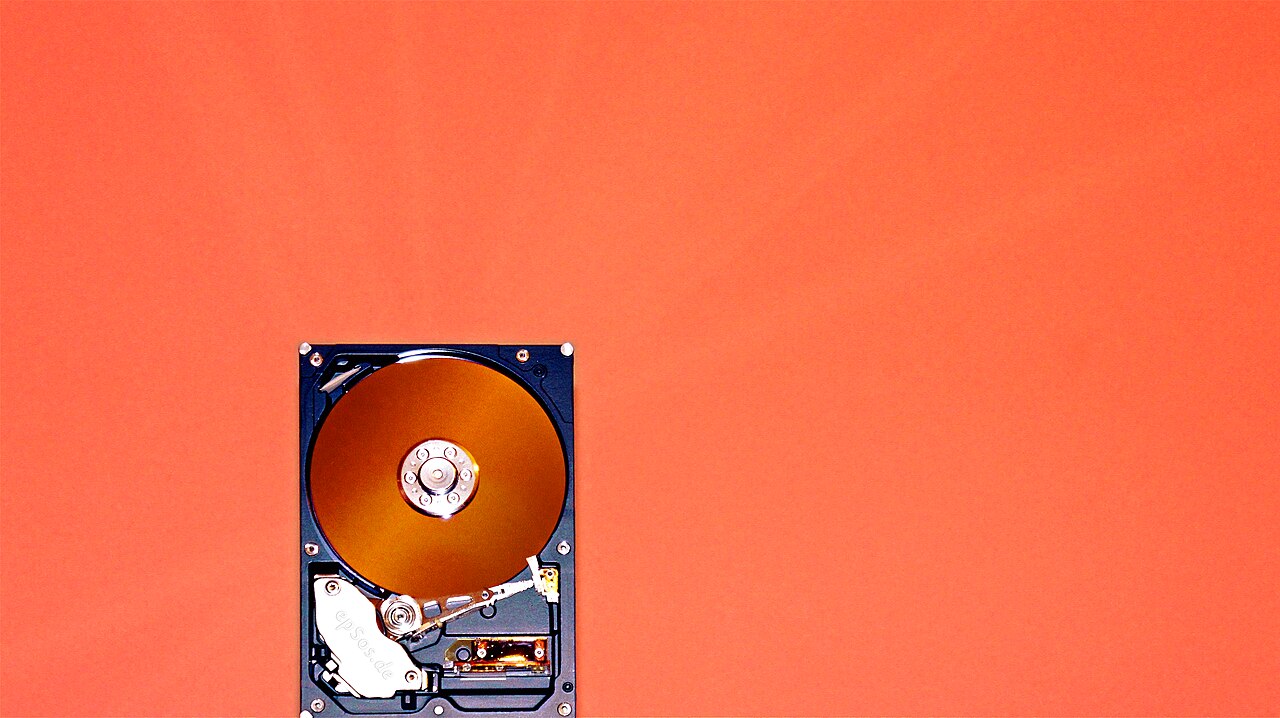
Cover photo: "Three external hard drives stacked on a wooden table" by Shixart1985, CC BY 2.0 (via Wikimedia Commons)
NVMe Storage Explained: Why AI Training Data Pipelines Are I/O Bound
Ask someone why their training run is slow and they will blame the model. Half the time, the GPU is idle and the disk is the guilty party. AI data pipelines read millions of small samples in random order, and storage built for a different decade cannot keep up. This article explains what NVMe changes, where the real bottlenecks are, and how to tell whether your pipeline is compute-bound or just waiting on I/O.
The interface, not the flash
NVMe and SATA SSDs use the same NAND. The difference is the road in and out. SATA speaks AHCI, a protocol designed for spinning disks: one command queue, 32 entries deep, topped out around 560 MB/s sequential. NVMe attaches directly to the PCIe bus and speaks a protocol built for parallelism, with up to 65,535 queues, each holding up to 65,536 commands. Real Gen4 drives hit roughly 7,000 to 7,400 MB/s sequential read with one to 1.4 million 4K random IOPS. Gen5 doubles it, with drives near 14,000 MB/s and up to 2.6 million IOPS in published benchmark tables.
Latency is the quieter win. At 4K random reads, SATA sits around 100 to 200 microseconds. NVMe lands at 10 to 40. For workloads that make a million tiny decisions per second, the per-request latency times a million is where your epoch time goes. Seagate's own engineering brief adds a detail that matters on busy servers: reaching the same IOPS through NVMe consumes roughly a third fewer CPU cycles than AHCI, because there is no SCSI or SATA translation layer in the hot path. Your dataloader workers are cheaper when the storage stack is shorter.
Why training data is a storage problem
Training samples are small and read in shuffled order. The AIStore team at IBM quantified this in their high-performance I/O paper: at a per-GPU consumption rate of about 54 MB/s for ImageNet-style workloads, a single hard drive feeds roughly 2.5 GPUs out of the 8 in a DGX-1. Four-fifths of the system's most expensive silicon waits on a device older than the model it is serving. Their benchmarks also kept catching the client side as the real bottleneck, which is why storage advice that stops at the drive spec sheet misses half the problem.
This is common enough that NVIDIA ships tooling for it. The DALI documentation includes a loader evaluator whose entire purpose is answering one question: is your training slowed by data loading? You wrap your existing dataloader, compare against simulated ideal loading, and find out how much of your GPU bill is burning on queueing.
Inference offload reads NVMe too
Storage matters for serving as well. A 2025 I/O characterization study of LLM frameworks that offload model weights and KV cache to SSD found the block-layer traffic dominated by 128 KiB reads, and that libaio-based tensor offloading delivered higher bandwidth than plain POSIX. KV cache offload read an average of about 2.0 GiB/s against 11 MiB/s of writes. Translation: model files load in big sequential chunks, and the read path of your NVMe, plus an async I/O stack, decides how fast a cold start finishes.
On a server, that cold-start cost compounds. Quantized 70B model files run over 40 GB, and if your fleet relaunches containers to a schedule, your boot storm is a storage benchmark nobody ran on purpose.
What to actually check on your box
Three habits. First, shard your dataset into large sequential files, the tar-shard pattern WebDataset made standard, so the drive streams instead of chasing random 4K hops. Second, correlate GPU utilization with time: sawtooth idle periods aligned to epoch boundaries are a data-loading signature, not a model problem. Third, benchmark random 4K reads at low queue depth, not just headline sequential speed, because a dataloader with a dozen workers looks a lot more like QD1 traffic than the QD32 numbers on the sticker.
When you pick a server, ask what the storage actually is, not what the plan page calls it. Local NVMe with real IOPS beats a shared network volume on the same spec sheet for every step of an AI pipeline, from dataset shuffle to weight load to checkpoint write. Also watch your checkpoint writes. Saving a multi-gigabyte state dict at the end of every epoch is a burst write against the same device your dataloader is streaming from, and enterprise drives with real endurance ratings exist precisely because that pattern kills consumer parts.
GPUs are fast, networks are fast, and your storage is the slowest link you keep forgetting to size. Sharded datasets, async reads, and an NVMe device with honest random-IOPS numbers will raise your effective compute utilization more than a pricier GPU would. If your pipeline has outgrown whatever box it is on, renting predictable dedicated hardware with real local NVMe is the unglamorous fix that pays for itself in un-wasted GPU seconds.
Gear we recommend for AI workloads

Samsung SSD 990 PRO 2TB, PCIe 4.0 M.2 2280, Up to 7,450 MB/s | NVMe Internal Solid State Hard Drive for High E
Top-rated on Amazon
View on Amazon
SANDISK 1TB Portable SSD - Up to 800MB/s, USB-C, USB 3.2 Gen 2, Updated Firmware - External Solid State Drive
Top-rated on Amazon
View on Amazon
USB C Docking Station Dual Monitor for HP,Laptop Docking Station 3 Monitors | USB C Hub Quad Display USB C Ada
Top-rated on Amazon
View on AmazonAs an Amazon Associate we earn from qualifying purchases.