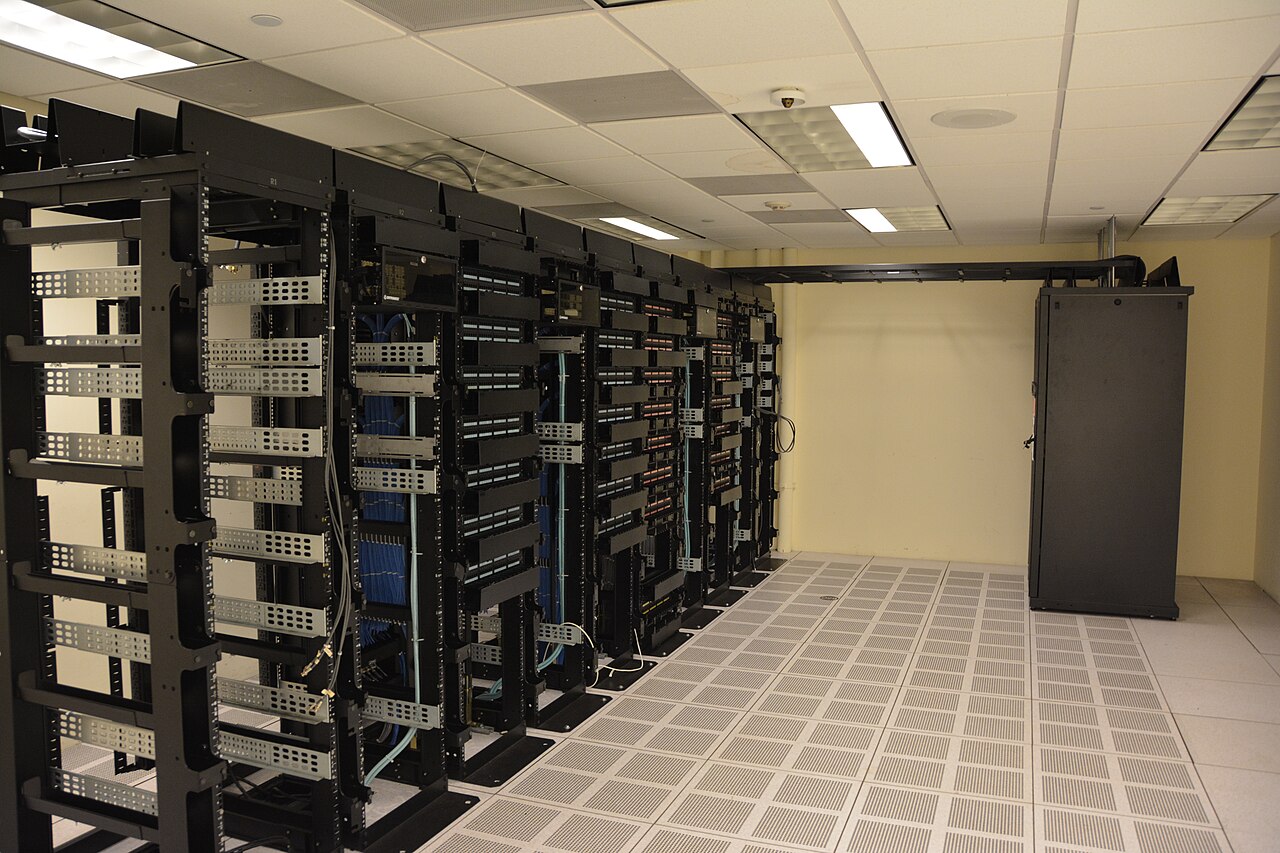
Cover photo: "Datacenter Server Racks" by Carl Lender, CC BY 2.0 (via Wikimedia Commons)
Running Local LLMs on a Dedicated Server: An Ollama and llama.cpp Practical Guide
Serving an open-weight model from hardware you control is no longer a weekend science project. Ollama and llama.cpp have turned GGUF inference into something you can put behind an API and forget, and a dedicated server gives it a fixed home. This guide covers the practical layer: which quantization to pick, how to get acceptable tokens per second without a datacenter GPU, how to expose the model safely to your own apps, and the security mistakes that have bitten public Ollama installs this year.
The stack, as of late 2026
Ollama sits on top of llama.cpp and manages model pulls, VRAM allocation, and an OpenAI-compatible server. The 0.30 release from June 2026 reworked that pairing: GGUF compatibility improved, NVIDIA throughput went up to 20 percent faster in Ollama's own Gemma 4 26B tests on an RTX 5090 at Q4_K_M, and Vulkan became a default, which extends GPU acceleration to AMD and Intel cards without vendor-specific libraries. The v0.33 series that shipped in early September 2026 keeps bumping the embedded llama.cpp engine.
llama.cpp itself remains the lower lever. If you want custom sampling, speculative decoding, or a build tuned to your exact instruction set, you run it directly. For 90 percent of self-hosters, Ollama is the right abstraction, and you only descend when it fights you.
Choosing a quantization without guessing
llama.cpp's own documentation publishes the arithmetic on Llama 3.1: the 8B model goes from 32.1 GB in original form to 4.9 GB as Q4_K_M, and the 70B model goes from 280.9 GB to 43.1 GB. Q4_K_M is the default recommendation because it holds nearly all of the FP16 quality at roughly a quarter of the bytes. Go to Q5_K_M or Q6_K when the task is reasoning-heavy and you have the memory. Below Q3, quality falls off a cliff and you should pick a smaller model instead of a smaller quant.
The sizing rule: your model file plus KV cache plus 1 to 2 GB of headroom must fit in the memory you will serve from. A 70B at Q4_K_M needs roughly 43 GB for weights alone, so budget 64 GB minimum for comfortable 8K context, and considerably more if you serve long prompts, because the KV cache grows linearly with context length.
CPU inference, GPU offload, and realistic speed
Yes, you can run a 7B model on a CPU-only dedicated server. Inference is memory-bandwidth bound, not core bound. The llama.cpp maintainers point out that extra threads beyond your physical core count do not help and that SMT actively hurts. A 7B Q4 model reads roughly 4 to 5 GB of weights per token, so on a server with tens of gigabytes per second of RAM bandwidth, single-digit tokens per second is the ceiling for a small dense model.
That is chat-slow but batch-fine. For summarization jobs, embeddings, document pipelines, and overnight runs, CPU inference on a big-RAM dedicated box is a legitimate architecture. When latency matters, put a GPU under the model. With Ollama you do not choose layer placement by hand. It offloads whatever fits and you check the split in the server logs. Raise your RAM and memory channel count before you chase core clock speed.
Serving it, and keeping it off the internet
Wire models into apps through the OpenAI-compatible endpoint on port 11434. Import any GGUF from Hugging Face with a one-line Modelfile that points FROM the file, then run ollama create and ollama run. Before you trust a model with tools, run ollama show and confirm the tools capability carried over from the GGUF metadata.
Now the security part, which is not optional in 2026. CVE-2026-7482, published in May 2026, describes a heap out-of-bounds read in Ollama's GGUF loader affecting versions before 0.17.1, where a malicious model file could leak environment variables and API keys, and the unauthenticated /api/create and /api/push endpoints gave an attacker an exfiltration path. The documented OLLAMA_HOST=0.0.0.0 configuration was widely deployed in practice. Keep the server bound to loopback, reach it through an SSH tunnel or Tailscale, and if it must face a network, put an authenticating reverse proxy in front and stay current on releases.
Local inference on rented bare metal is now a mainstream architecture, not a hobbyist workaround: standard tooling, a huge model ecosystem, and a security story that is manageable once you treat the server like a server. The models are free to run. What costs money is the predictable compute underneath them, and renting that by the month is how you keep the whole setup boring.
Gear we recommend for AI workloads

GMKtec EVO-X2 AI Mini PC AMD Ryzen Al Max+ 395 Up to 5.1GHz, 16C/32T | Mini Gaming Computers 64GB LPDDR5X 8000
Top-rated on Amazon
View on Amazon
ASUS TUF Gaming GeForce RTX™ 5080 16GB GDDR7 OC Edition Graphics Card | PCIe 5.0, HDMI/DP 2.1, 3.6-slot, Milit
Top-rated on Amazon
View on Amazon
Crucial Pro 128GB Kit (2x64GB) DDR5 RAM, 5600MHz (or 5200MHz or 4800MHz) Desktop Gaming Memory UDIMM, Compatib
Top-rated on Amazon
View on AmazonAs an Amazon Associate we earn from qualifying purchases.