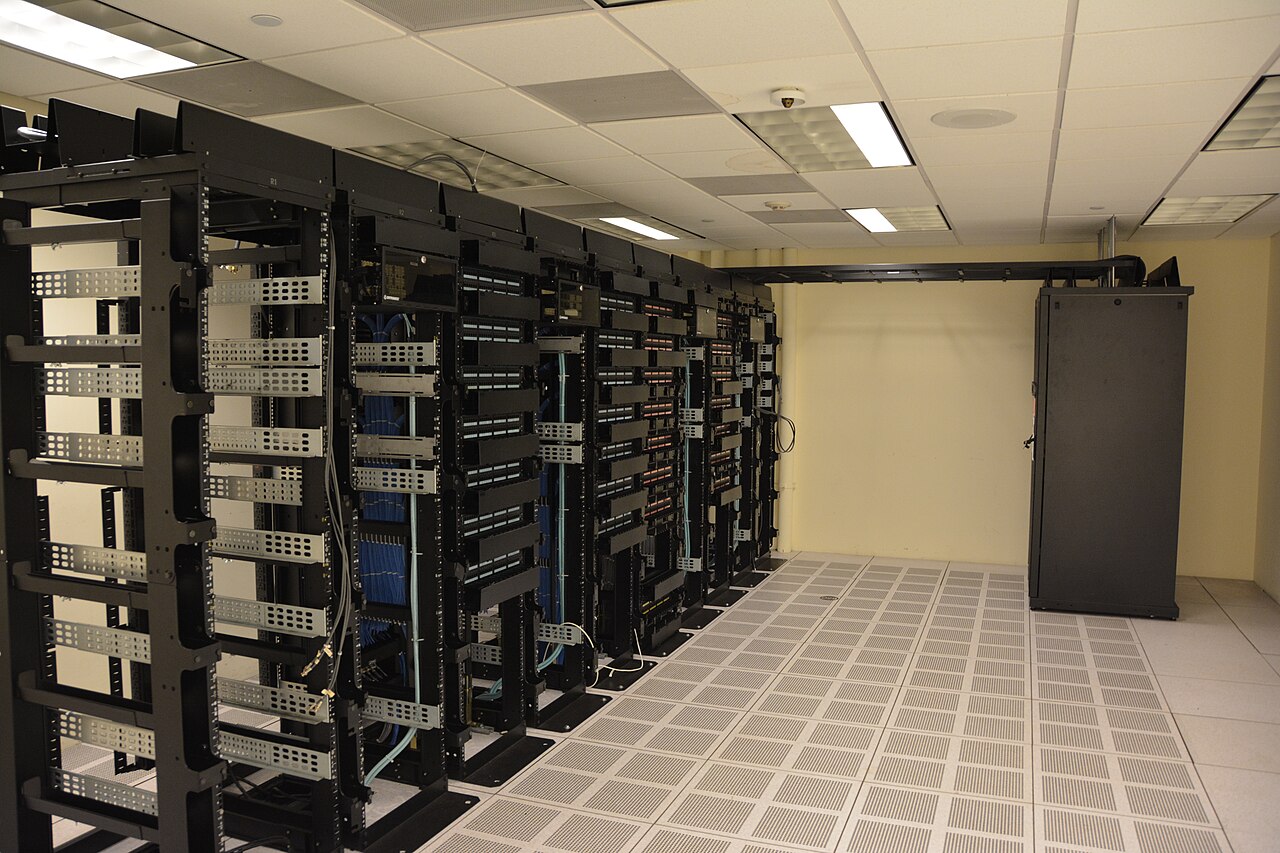
Cover photo: "Datacenter Server Racks" by Carl Lender, CC BY 2.0 (via Wikimedia Commons)
Self-Hosting n8n, Flowise, and OpenClaw on a VPS: An Agent Hosting Guide
Workflow engines and agent gateways have quietly become the most sensible things to self-host: they are light on compute, heavy on state, and every hosted tier bills you for both. n8n moves your automations off per-execution pricing. Flowise gives LLM chains a visual editor. OpenClaw keeps an agent gateway running where you can reach it from anywhere. All three fit comfortably on one well-chosen VPS. Here is how to stack them without stepping on each other.
Know what you are deploying
n8n is a fair-code workflow automation tool, the self-hostable answer to Zapier-style platforms, and the whole point of running it yourself is that executions, credentials, and data stay on your box with no per-task meter. Flowise is a Node-based visual builder for LLM chains and agents, four modules in one monorepo, installed with npm and serving its editor on port 3000. OpenClaw is different in shape: it is a long-running Gateway that owns agent state and a workspace directory, and you attach to it from your laptop or phone via a control UI, SSH tunnel, or Tailscale.
These three compose well. n8n triggers work, Flowise defines the LLM chain that does the thinking, and OpenClaw hosts the persistent agent that remembers things between runs. None of the three needs a GPU on its own, which is the whole economic trick: the intelligence comes from API calls or a separately hosted model, and the VPS is doing orchestration, scheduling, and state.
Sizing the box with real numbers
n8n's documented minimum is 2 CPU cores, 2 GB RAM, and 20 GB SSD, but that is a development figure, as community hosting guides are careful to say. For production scheduled and webhook flows, the consensus sizing is 4 GB RAM with 2 vCPUs and PostgreSQL swapped in for SQLite. Heavy parallel executions want 8 GB and 4 vCPUs, plus queue mode. Flowise runs on a similar Node footprint, and OpenClaw's docs offer startup tuning specifically because it runs on small VMs and ARM hosts.
So a practical stack target is 4 vCPUs and 8 GB RAM, which leaves room for Postgres, a reverse proxy, and the OS. Node is the shared runtime: Flowise requires v18.15 or v20 and above, and OpenClaw recommends Node 22 LTS minimum with Node 24 or newer preferred. One modern Node install serves all three. Flowise's own docs flag that self-hosting takes real server skill, including database backups and update maintenance, and recommend their cloud if that sentence is not your idea of fun. Be honest about which sentence you are.
Install order and the Docker question
Start from a clean base OS. OpenClaw's own hosting docs warn against third-party one-click marketplace images and say to install on a plain Ubuntu LTS with the official script. Harden admin access first, which their docs put before installation: join the box to your tailnet or lock down SSH, verify a second session works, only then expose anything.
Docker keeps the three apps from fighting over Node versions and ports, and it makes backups a matter of volumes. The exception is OpenClaw's Gateway, which runs cleanly as a systemd user service, and their docs suggest service environment flags like OPENCLAW_NO_RESPAWN, a compile cache path, and a longer TimeoutStartSec on slow VMs. Whatever you choose, put all three behind one reverse proxy with real TLS, and keep each app's port bound to loopback so the proxy is the only public door.
State, secrets, and the 3 AM problem
Self-hosted automation fails in two places: the database and the credential store. Move n8n to Postgres before it matters, dump it on a schedule to object storage or another box, and treat OpenClaw's config and workspace directories as the source of truth they are documented to be, ideally a private git repo for the workspace. Keep app secrets in environment files with tight permissions, not baked into workflow JSON that gets exported to your laptop.
Then watch the box. A uptime check against each service's health endpoint, n8n queue depth if you use workers, and disk alerts, because execution logs grow silently and a full disk breaks Postgres first. The beauty of the stack is that every failure mode is boring and local, and boring failures are what you bought a VPS for. One policy note for the agent layer: OpenClaw's docs recommend running the Gateway under a dedicated OS user that is not signed into personal browser or password-manager profiles, because an autonomous agent inherits whatever that identity can touch.
Self-hosting your agent stack trades per-execution billing for a flat server and a little of your attention. Run the apps on documented sizing, behind one proxy, with the database backed up and the gateway off the public internet, and the whole thing hums. If your automations are important enough to check on, they are important enough to sit on predictable compute that bills the same every month.
Gear we recommend for AI workloads


Beelink Mini S12 PRO Mini PC,12 Generation Intel N100 (Up to 3.4GHz) 4C/4T,16GB DDR4 512GB M.2 SSD,Micro PC 4K
Top-rated on Amazon
View on Amazon
TP-Link Dual-Band BE3600 Wi-Fi 7 Router, Archer BE230 | 4-Stream | 2×2.5G + 3×1G Ports, USB 3.0, 2.0 GHz Quad
Top-rated on Amazon
View on AmazonAs an Amazon Associate we earn from qualifying purchases.