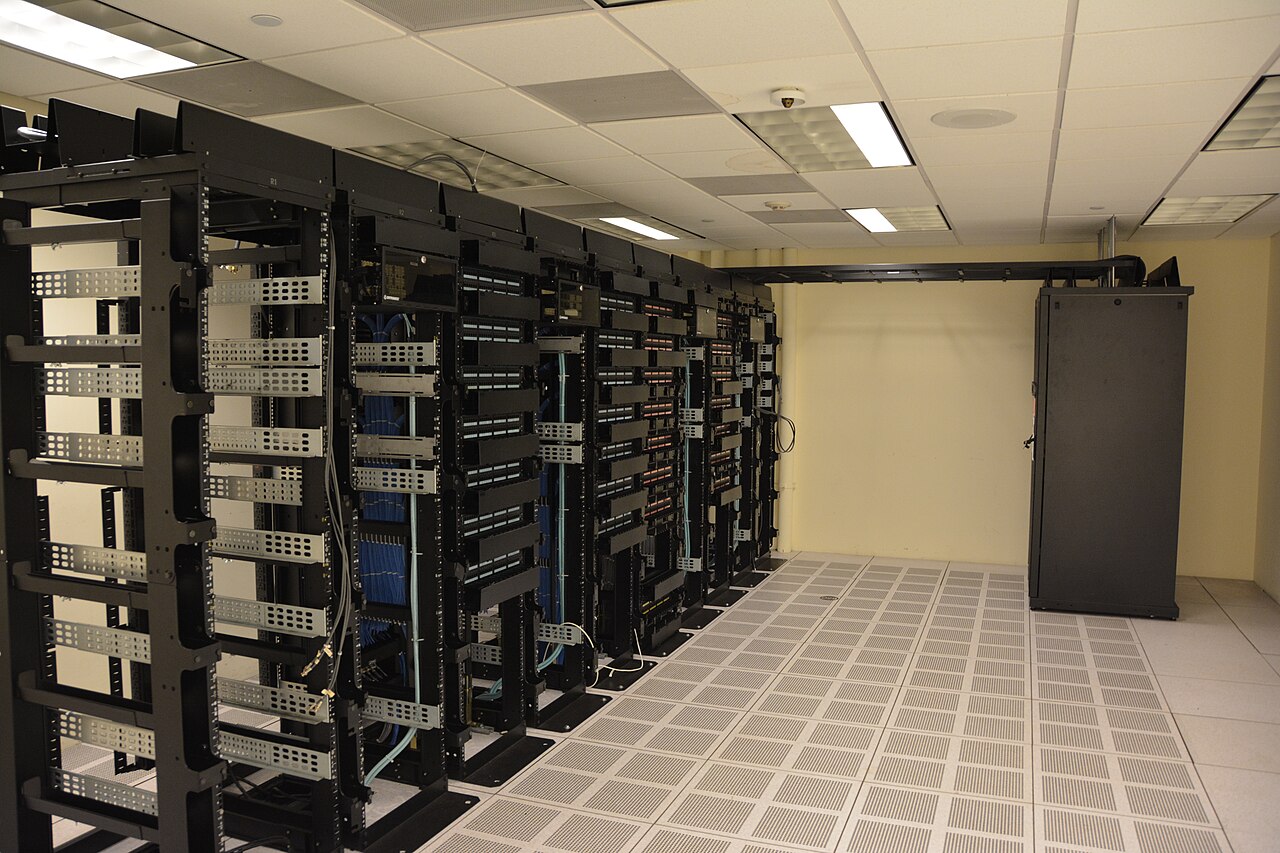
Cover photo: "Datacenter Server Racks" by Carl Lender, CC BY 2.0 (via Wikimedia Commons)
VPS vs Dedicated Server for AI Workloads: When to Upgrade
Most AI workloads start on a VPS. That is the right move. A small KVM instance runs your agent gateway, your webhook handlers, and a quantized 7B model without drama, and the monthly line item stays boring. The upgrade question arrives later, usually as a symptom you cannot name: inference that felt instant last month now stutters at 3 AM, model loading crawls, your token counts drift between identical runs. This article is about identifying the exact point where the shared node stops being a bargain and starts being a tax, and what to check before you spend money on bare metal.
What you actually buy with a VPS
A VPS is a slice of someone else's machine, sold on the assumption that not everyone maximizes their allocation at once. That assumption is called oversubscription, and it is fine for bursty web traffic. It is less fine for an inference loop that wants every core, every second. Your vCPUs time-share physical cores with neighboring VMs. Your NVMe block device shares IOPS with every other tenant on the node. Your RAM sits in a pool that the hypervisor can reclaim under pressure.
The network is the most overlooked cap. Providers routinely software-limit VPS ports to 100 Mbps even when the hardware node has far more capacity available, because the uplink is shared across the box. KnownHost's CTO has said publicly that their VPS instances are capped at 100 Mbps by software while the node itself stays under 30 percent network utilization at peak. Fine for most things. Not fine if you are pushing datasets.
Signals your AI workload outgrew the node
Measure before you migrate. Run top or vmstat for a week and watch the steal column. Occasional 1 to 2 percent steal is noise. Sustained double-digit steal means your neighbors are eating the cores you paid for, and no amount of application tuning fixes that from inside the guest.
Token generation speed is your real uptime metric. Timestamp identical prompts on a schedule and chart the results. High variance, where the same model runs 30 percent slower at unpredictable hours, points to CPU contention or shared-storage latency, not your code. The second signal is model load time. If an 8 GB GGUF file that used to mmap in seconds now takes minutes, iostat will show you whether your device queue depth is drowning in other tenants' requests. The third is outbound transfers: if scheduled jobs drift later and later, you are queueing behind a shared uplink.
What a dedicated server changes
A dedicated machine removes every shared choke point at once. The cores are yours, so steal goes to zero. The disks are yours, so IOPS do not fluctuate with a stranger's backup job. The RAM is fixed and physical, so there is no balloon driver inflating and deflating your heap at the worst moment. Network ports on dedicated plans commonly run at 1 Gbps, unmetered, rather than the 100 Mbps software cap typical of VPS tiers.
For AI work specifically, three dedicated-server features matter: ECC RAM if you run long inference or data pipelines where silent corruption wastes cycles, NVMe in RAID if you load multi-gigabyte model files on every cold start, and root-level control to tune sysctls, hugepages, and I/O schedulers, none of which you can touch on a managed VPS template.
A migration checklist that survives contact with reality
Benchmark the VPS first, with numbers you care about: tokens per second, requests per minute, model load time, throughput under a saturating transfer. Keep the report. Without a baseline you cannot tell whether the new box is better or your traffic simply dropped.
Containerize everything before the move so the same image runs on both hosts. Lower your DNS TTL a day ahead. Migrate state in stages: databases first, then services, then traffic. Run both boxes side by side for one billing cycle and route a fraction of requests to the new server before committing. Then keep the old VPS as a canary host for experiments, because spinning a cheap instance to test a risky change is still cheaper than testing on production metal.
The honest rule: stay on a VPS as long as its caps are invisible to your workload, and upgrade when a measured signal says otherwise, not when a dashboard looks scary. Dedicated hardware stops being a luxury the moment your AI stack runs continuously and other people depend on its latency. If your automations, agents, or inference endpoints have outgrown shared capacity, renting a predictable, fixed-spec server removes the variable nobody budgeted for, which is everyone else.
Gear we recommend for AI workloads

Beelink Mini S12 PRO Mini PC,12 Generation Intel N100 (Up to 3.4GHz) 4C/4T,16GB DDR4 512GB M.2 SSD,Micro PC 4K
Top-rated on Amazon
View on Amazon
GMKtec M5 Ultra Gaming Mini PC Ryzen 7 7730U (Upgraded 7430U/ 5825U), 32GB RAM 512GB SSD Dual NIC LAN 2.5GbE D
Top-rated on Amazon
View on Amazon
Lenovo ThinkStation P2 Gen 2 Workstation Desktop | Intel Core Ultra 7 265K Processor | Massive 128GB DDR5 RAM
Top-rated on Amazon
View on AmazonAs an Amazon Associate we earn from qualifying purchases.